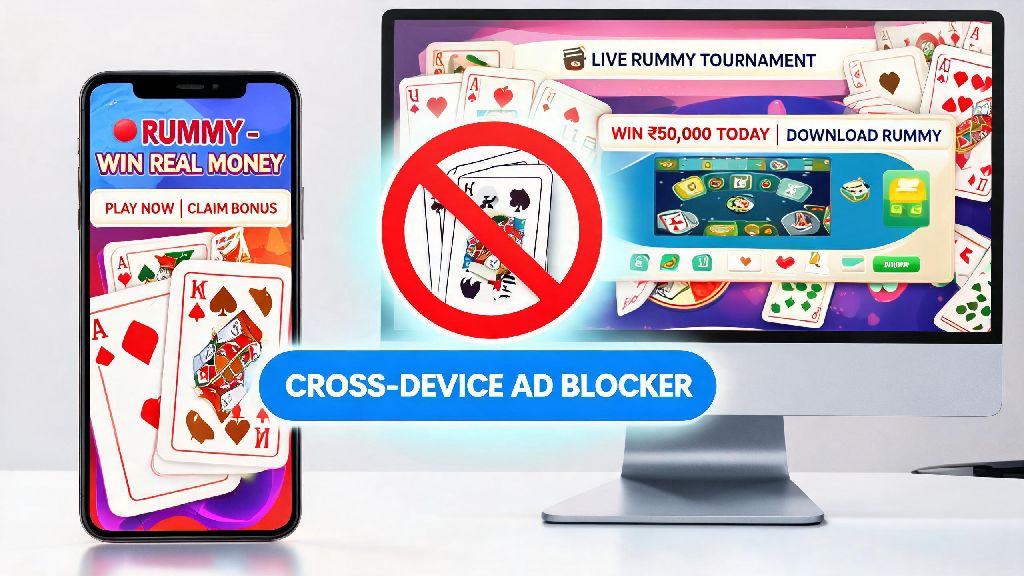
If you’ve ever searched for online rummy tips, played a quick game on a free site, or signed up for a tournament alert, you’ve probably dealt with endless, intrusive rummy ads popping up uninvited. They interrupt your browsing, eat up mobile data, and sometimes even lead to sketchy sites that host malicious downloads. We’ve all been there: you tap to close a pop-up mid-game, only to open three more ads for rummy apps you never wanted to download in the first place. This guide breaks down exactly how to block rummy ad interruptions across every device you use, with no complicated tech skills required.
How to Block Rummy Ad Pop-Ups on Mobile and Desktop Browsers
Browser-based rummy ads are the most common type of interruption, and fixing this issue takes less than two minutes for most users. Built-in browser ad blockers are your first line of defense, and every major modern browser has this feature enabled by default or available with one toggle. If you use Chrome, head to your Settings > Privacy and security > Site Settings > Ads, then toggle the option to block intrusive ads. Safari users can find the same feature under Settings > Websites > Content Blockers. These built-in tools catch 70% of common rummy pop-ups right out of the box, with no extra setup needed.
For ads that slip through, you can install a trusted third-party ad blocker extension like uBlock Origin or AdGuard, both of which let you add specific rummy ad domains to your custom block list. These extensions are regularly updated to catch new ad servers, so they work far better than default browser tools for frequent rummy players. Never click "allow notifications" on untrusted rummy sites, no matter what bonus they offer for opting in. That means the site can send ads straight to your desktop or mobile home screen even when you don't have the site open, so always hit "block" on those pop-ups unless you're 100% sure you want alerts from that specific platform.
Stop In-App Rummy Ads on iOS and Android Devices
If you play rummy on a dedicated mobile app, you’ve probably run into full-screen video ads that pop up between rounds or right after you finish a game. The most reliable way to get rid of these is to upgrade to the ad-free tier of the app you use, if it’s offered. Most legitimate rummy apps charge between $2 and $5 a month for ad-free access, and many throw in extra perks like free tournament entries or bonus chips as part of the package. This also supports the developers who maintain the game, so it’s a good option if you play on the same app regularly.
If you don’t want to pay for an ad-free subscription, use a system-wide ad blocker for your device. For Android users, you can download apps like AdGuard from their official site (Google Play restricts full system ad blockers, so you won’t find them on the app store) that filter all ad traffic across every app on your phone. For iOS users, you can enable content blockers in your Settings > Safari > Content Blockers, and many of these tools work across other apps connected to your Wi-Fi or mobile data too. A quick hack for casual players: if you turn off your internet connection while playing offline rummy apps, most ads won’t load at all, since they require an internet connection to serve content.
Get Rid of Rummy Ad Spam in Your Email and Text Inboxes
A lot of rummy sites collect contact information when you sign up for an account or a free bonus, and some sell that data to third-party ad networks, leading to endless spam emails and text messages. The first step to fix this is to use the official unsubscribe link at the bottom of the email first. Legitimate marketing teams are required by law to include a working unsubscribe link, and this will stop most legitimate promotional emails within 48 hours. If emails keep coming after you unsubscribe, mark them as spam so your email provider automatically filters them out of your main inbox, and you won’t see them again.
For text message spam, you can block the sender directly on your phone, and report the number to your mobile carrier if you keep getting texts from different numbers tied to the same rummy ad campaign. The best way to avoid this spam entirely is to be careful about where you share your contact information online. There are a few clear red flags that a rummy site will share your data with ad networks:
Common Rummy Ad Blocking Mistakes to Avoid
A lot of people accidentally make their ad problem worse when they try to block rummy ads, so there are a few key rules to follow to stay safe. First, never download random "rummy ad blocker" apps from untrusted app stores or pop-up links. A lot of these apps are actually malware that will collect your personal data, steal your login information for rummy accounts, or serve even more ads than you started with. Stick to well-known, widely reviewed ad blocking tools that have been around for years, and only download them from official developer sites or verified app stores.
Second, don’t disable your ad blocker for all rummy sites, just the ones you trust and want to support. Legitimate, regulated rummy sites use non-intrusive ads that don’t interrupt your game, and the ad revenue helps them keep their practice game modes free for all users. Blocking ads on small, independent rummy sites can even lead to them shutting down, so it’s good to whitelist platforms you use regularly. Don't click random "close ad" buttons that pop up in the middle of your screen, either. A lot of these are fake buttons that lead to adware downloads or phishing sites. Always use the small, standard close button in the top right or top left corner of the ad window, or hit the back button on your browser if you can’t find a clear close option.
You don't have to put up with intrusive rummy ads ruining your browsing or gaming experience. The methods we covered work for every device and every type of ad, from browser pop-ups to text spam, and most of them take less than five minutes to set up. Once you know how to block rummy ad interruptions properly, you can focus on playing the game, learning new strategies, or signing up for tournaments without unwanted distractions. Take 10 minutes today to test out the methods that fit your usage, and you'll be ad-free in no time.